

Whoa! The first time I saw a transaction simulator pop up in my wallet I thought: finally. It felt like getting headlights for night driving after months of fumbling. My instinct said this would change how people interact with DeFi — and honestly, it already has. Initially I thought it would just be a fancy UX nicety, but then I started relying on it for trades, approvals, and complex contract calls. Actually, wait—let me rephrase that: it didn’t just improve things, it altered my workflow in small, practical ways that added up.
Here’s the thing. Gas fees are ugly. Sandwich attacks are uglier. And somethin’ as simple as a bad approval can ruin a wallet in minutes. Seriously? Yes. Transaction simulation acts like a dry run. It decodes the intent of your transaction, simulates the on-chain effects using a node or local EVM, and shows you outcomes before you hit send. Two seconds can save you hundreds of dollars—and a lot of grief.
On one hand simulation is another pop-up to click through. On the other, it’s a mini security audit that runs for you, automatically. In practice the trade-off is tiny. Your trade takes a fraction longer to submit, but you gain clarity: which tokens move, who’s approved to spend what, whether a call will revert, and an estimate of how gas will be used. That context matters a lot when the difference between profit and loss is a few percentage points.
What transaction simulation actually does (without the magical hype)
Think of simulation as a sandboxed “what happens if” for your tx. It typically does three things: decodes the calldata so you can see the function being called, runs a local or remote EVM execution to see if the call will succeed (and what state changes happen), and reports gas usage and token flows so you know the financial result before signing. I like to check the decoded data first. If it looks weird, I stop.
There are edge cases though. Simulations depend on the RPC node state and the exact input values, so if a mempool-based front-run or rapidly moving price occurs between simulation and execution, the real result can differ. On the flip side, most scams and bad UX patterns are obvious in simulation—crazy slippage, approvals for unlimited allowances to unknown contracts, or methods that rename things and obfuscate intent.
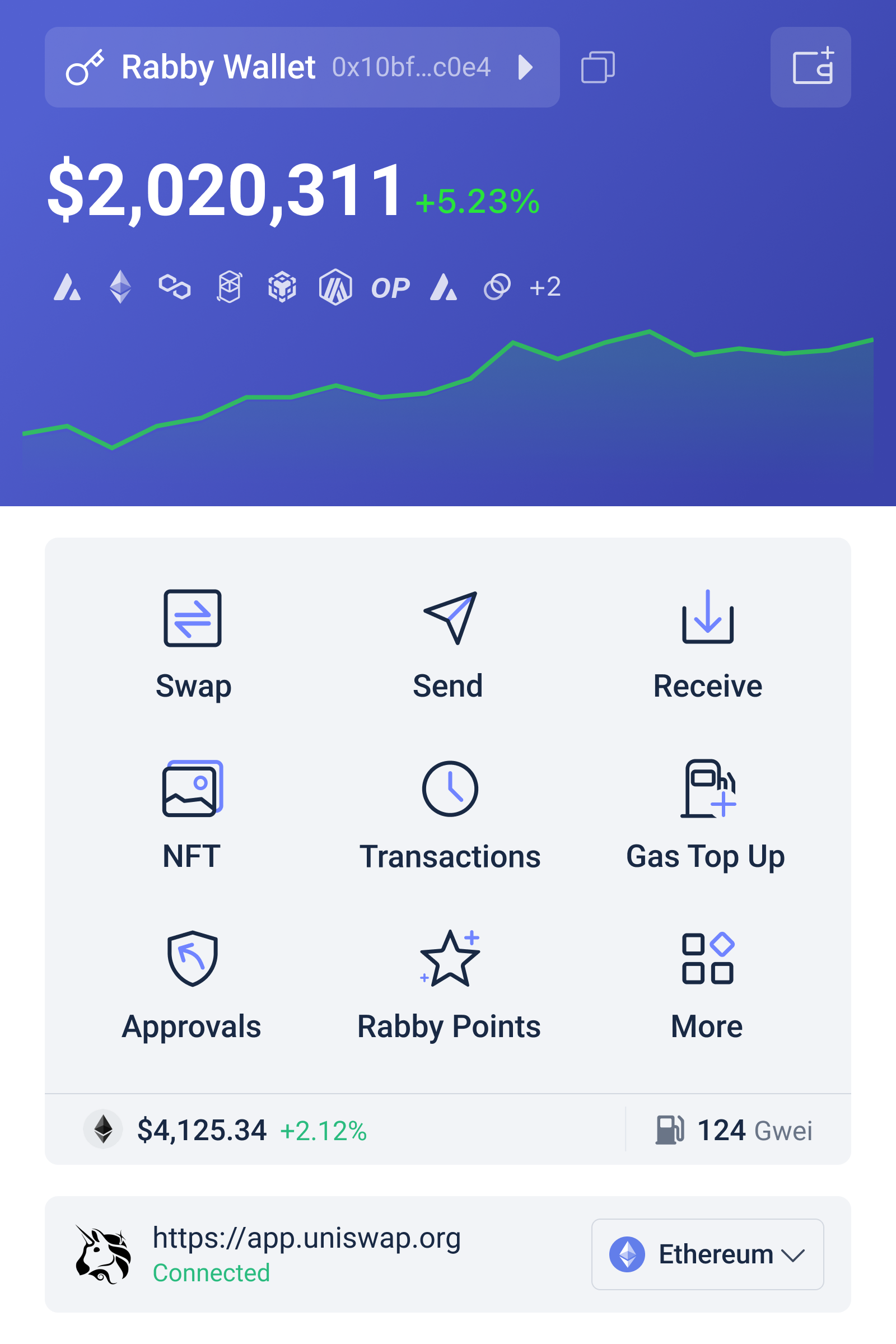
Rabby’s approach fits into that sweet spot where UX meets safety. I should say up front: I’m biased toward tools that give transparency. Rabby doesn’t scream “security” at you with red banners every five seconds. Instead it surfaces the important bits: the decoded call, a simulation outcome, and clear indicators if something smells off. That nudges users to make better decisions without making them paranoid.
How Rabby integrates with dApps and why that matters
Integrating a wallet with dApps is mostly about providing a reliable provider and predictable UX. Rabby integrates like a modern EVM wallet: it injects a provider that dApps can use, supports common wallet connection flows, and layers in its simulation step before the sign/submit flow. That means dApp developers don’t need special code paths to support simulation; the wallet handles the extra step client-side, improving user safety without breaking the dApp’s design.
From a developer’s perspective, this is underrated. You get safer transactions with minimal friction. From a user’s perspective, you get clear previews. From an attacker’s perspective—well, they hate it, because it reduces the number of blind clicks. If you’re building or auditing a dApp, design your UX to allow wallets to show these previews (show “Approve” screens that don’t hide data; avoid abusive UX patterns that trick users). Honestly, this part bugs me: many dApps still prefer cute UX over clarity, and that costs users real money.
Okay, small tangent: (oh, and by the way…) if your dApp shows a gas slider or speed buttons, test with a wallet that simulates. The slider’s estimate can be wrong. Simulation gives you a reality check—will your tx revert at the chosen gas? Will your permit succeed? It’s one of those things that seems subtle until it saves your week.
Practical ways to use simulation as a DeFi user
Start small. Run the simulation for a simple ERC-20 transfer. See the decoded “transfer” function. Then try a swap. Look for the expected token flow. If you’re authorizing tokens, simulation should show an allowance change—check the recipient. If you see “approve unlimited” to a contract you don’t trust, pause. I’m not 100% sure everyone will click through every warning, but education helps: show the simulation result, and users choose better.
When interacting with complex contracts—leveraged positions, cross-chain bridges, or multi-call aggregators—use simulation as your sanity check. Does the multi-call include unexpected transfers? Is there a hidden call to an approval function you didn’t ask for? Those are red flags. Also use simulation to estimate gas spike risks. If the simulated gas usage is much higher than expected, something else is going on.
Another tip: use the simulation to test different slippage settings. Sometimes an aggregator route will show a swap that executes but with slightly different output than expected because of slippage or fees. Simulation helps you compare routes using identical inputs so you can pick the one that makes economic sense.
Security features that pair well with simulation
Simulation isn’t a silver bullet. But when combined with permission management—periodically revoking approvals, using smaller approvals, and hardware wallet confirmation—you get a layered defense. Rabby helps by making the permission change visible in the simulation flow, so you know exactly what you’re signing. That transparency changes behavior: people approve less often, and they check more. Little wins.
On a personal note: I used to keep unlimited approvals on some DEXes because it was “convenient.” That ended after one bad approval prompt where the simulation showed an extra transfer to an unfamiliar address. I revoked the allowance, and haven’t looked back. I’m biased, but I think that tiny habit change saved me time and stress.
Developer and dApp best practices for working with wallets like Rabby
If you’re building a dApp, support standard providers and be explicit about calls that change permissions or move funds. Provide metadata so wallets can display meaningful labels for contract calls. Avoid packing multiple unrelated actions into a single multi-call without clear labeling. On one hand it feels efficient to bundle; on the other, it’s harder for users and wallets to surface the intent during simulation.
Also, test how your app behaves when a wallet displays a simulation result that indicates a revert. Some users will cancel or retry with adjusted params. Make sure your UX recovers gracefully. A little bit of developer empathy goes a long way. And please—stop hiding fees under vague terms. Show line items. Users will appreciate it.
Common questions
Can simulation guarantee my transaction won’t fail or be front-run?
No, it can’t guarantee anything. Simulation reduces surprises by showing a likely outcome based on current state. It can’t predict mempool dynamics or sudden price moves. That said, it’s still extremely valuable for spotting obvious errors, malicious calldata, and risky approvals.
Does simulation slow down the UX?
Sometimes by a second or two, though usually it’s imperceptible. The trade-off is worth it for the added clarity. If a dApp is latency-sensitive, test with wallets that simulate to ensure users aren’t confused by the extra step.
How can I get started with a wallet that simulates transactions?
Try a wallet that prioritizes simulation and clear decoding in the signing flow. For me, rabby wallet hits that balance: it’s pretty unobtrusive yet informative. Use it to practice on small transactions first, then scale up once you trust the flow.
To wrap up—no, not that phrase, but to leave you with a quick nudge: make simulation part of your routine. It feels like overkill at first. Then you notice the times it saved you. On one hand we move fast in crypto. On the other, a little patience and a quick preview keeps your assets where they belong: in your control. Hmm… there are still unknowns and edge cases, and I’m not claiming perfection. But small habits compound. Use simulation, check decoded calldata, and don’t be afraid to cancel a tx that looks off. You’ll thank yourself later.
